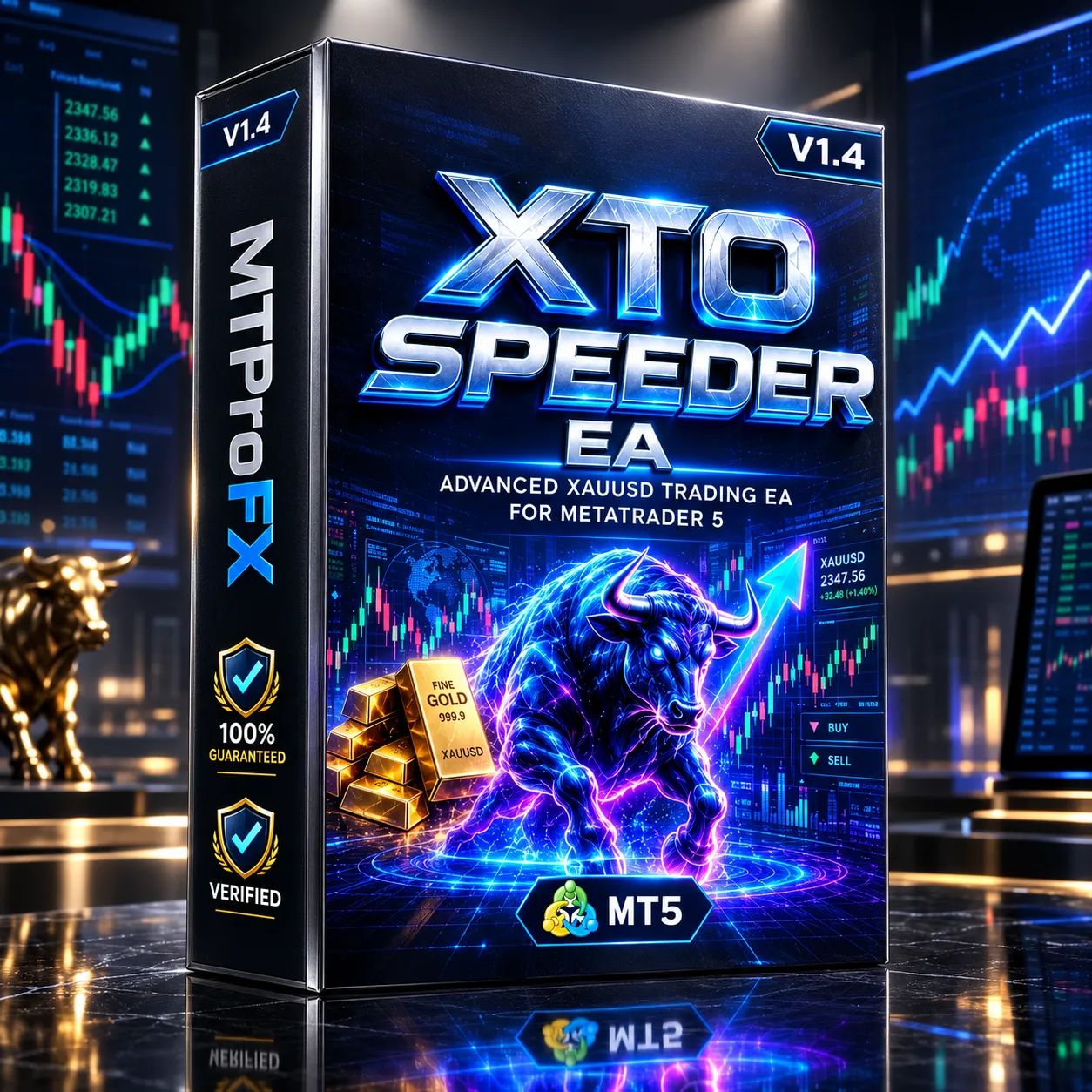
XTO Speeder EA (V4) MT5 v1.4 – Automated Forex Trading Expert Advisor
$16.99
95% OFF☑️ XTO Speeder EA (V4) MT5 v1.4 is a MetaTrader 5 Expert Advisor designed to automate forex trading according to its programmed trading logic. Instead of manually monitoring charts and entering trades, traders can configure the EA and allow it to execute its strategy automatically within the MT5 environment. As with any automated trading system, actual results can vary depending on the broker, spread, execution speed, market conditions, account settings, and selected parameters. Traders should evaluate an EA with appropriate backtesting and forward testing before using it on a live account.
What is XTO Speeder EA (V4) MT5 v1.4?
Recommended Trading Currency Pairs
☑️ EUR/USD – High liquidity and generally competitive spreads.
☑️ GBP/USD – Active pair with greater price movement.
☑️ USD/JPY – Highly traded major pair suitable for systematic testing.
☑️ AUD/USD – Another liquid major pair worth evaluating.
☑️ USD/CAD – Can be included when testing diversified major-pair exposure.
It is recommended to test each pair separately rather than assuming that settings producing good results on one instrument will perform identically on another.
XTO Speeder EA (V4) MT5 v1.4 Features
XTO Speeder EA (V4) MT5 v1.4 – Best Settings
For initial testing, traders should use conservative risk settings and avoid immediately maximizing position size or other aggressive parameters. Start with the default configuration if it is supplied by the developer, then perform a historical backtest using the intended currency pair.
For a more reliable evaluation, test several market periods, including trending, ranging, volatile, and quieter conditions. After backtesting, use a demo account for forward testing before considering live deployment.
If the EA provides settings for lot size, risk percentage, stop loss, take profit, trading hours, maximum positions, spread filters, or other protective controls, these should be adjusted according to the trader's risk tolerance and account specifications.
Instructions for Installing XTO Speeder EA (V4) MT5 v1.4
Download and install the MetaTrader 5 trading platform from your broker or MetaQuotes.
☑️ Step 2: Obtain the EA Files
Make sure you have the correct XTO Speeder EA (V4) MT5 v1.4 files, including any required .ex5 or source files supplied with the product.
☑️ Step 3: Open the MT5 Data Folder
Inside MetaTrader 5, select:
File → Open Data Folder
Then navigate to:
MQL5 → Experts
☑️ Step 4: Copy the EA
Place the supplied Expert Advisor file into the Experts folder.
☑️ Step 5: Restart or Refresh MT5
Restart MetaTrader 5 or refresh the Expert Advisors section in the Navigator window.
☑️ Step 6: Attach the EA to a Chart
Open the desired currency-pair chart and timeframe, locate XTO Speeder EA under Navigator → Expert Advisors, and drag it onto the chart.
☑️ Step 7: Configure the Parameters
Review the available inputs carefully and configure trading risk, position sizing, trading hours, and other available options.
☑️ Step 8: Enable Automated Trading
Make sure the Algo Trading function is enabled in MetaTrader 5.
☑️ Step 9: Test Before Going Live
Run a Strategy Tester backtest and then forward-test the EA on a demo account before using real funds.
Who Should Use XTO Speeder EA (V4) MT5 v1.4?
☑️ Forex traders interested in automated trading.
☑️ MT5 users who want to automate a trading strategy.
☑️ Traders who want to reduce manual chart monitoring.
☑️ Experienced users who understand EA configuration and risk management.
☑️ Traders who want to conduct systematic backtesting and optimization.
☑️ Users comfortable evaluating automated strategies on demo accounts before live trading.
It may be less suitable for beginners who expect an EA to generate guaranteed profits without configuration, monitoring, or risk management.
Download XTO Speeder EA (V4) MT5 v1.4
Download XTO Speeder EA (V4) MT5 v1.4Pros and Cons
Pros
Cons
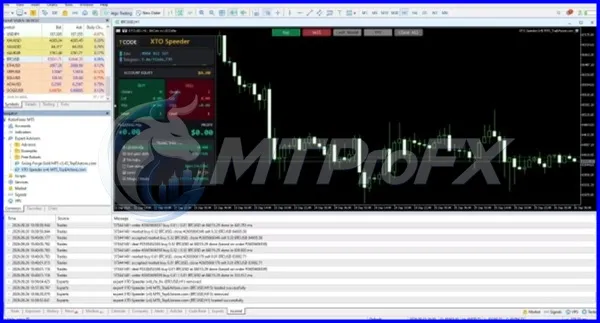
Backtest Results


Get XTO Speeder EA (V4) MT5 v1.4 FREE (VIP Members Only)
Join a VIP Telegram group to get access. Pick your plan:
Conclusion
For responsible deployment, traders should avoid relying solely on historical performance. Testing across different market conditions, maintaining appropriate risk controls, and monitoring live execution are important parts of evaluating any automated trading system.
What's Included
Login to add your review.
Easy to install on MT5 and the configurable settings make it convenient to test different trading approaches.